
TITAN: The Ultimate Plugins for Structural Steel Design in Autodesk Advance Steel & Autodesk Revit
Created by seasoned engineers and BIM experts
WITH OVER 15 YEARS’ OF EXPERIENCE
Maximize your potential and use
your software to the fullest
The functionality you’ve been missing in Advance Steel & Revit for your daily tasks
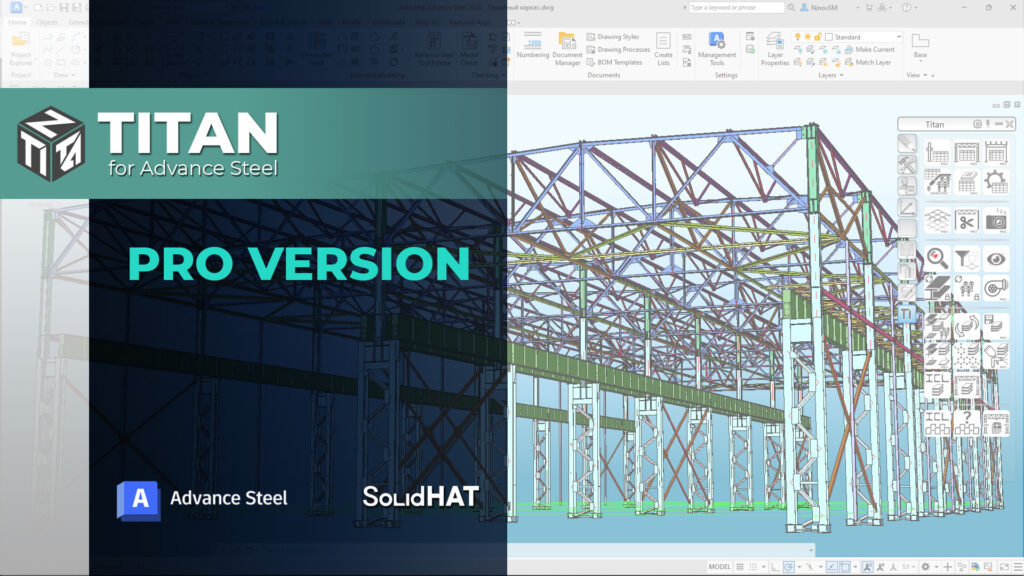
Why Choose TITAN for Advance Steel?
TITAN for Advance Steel is the powerful and user-friendly toolset indispensable in Autodesk Advance Steel. It’s designed to enhance every stage of your workflow, from modeling and verification to creating detailed drawings. TITAN enables faster generation of bills of materials, while providing an intuitive table format to access your model’s information. Whether you’re creating or refining your model, TITAN ensures a smoother and more efficient process, addressing the everyday needs of Advance Steel users.
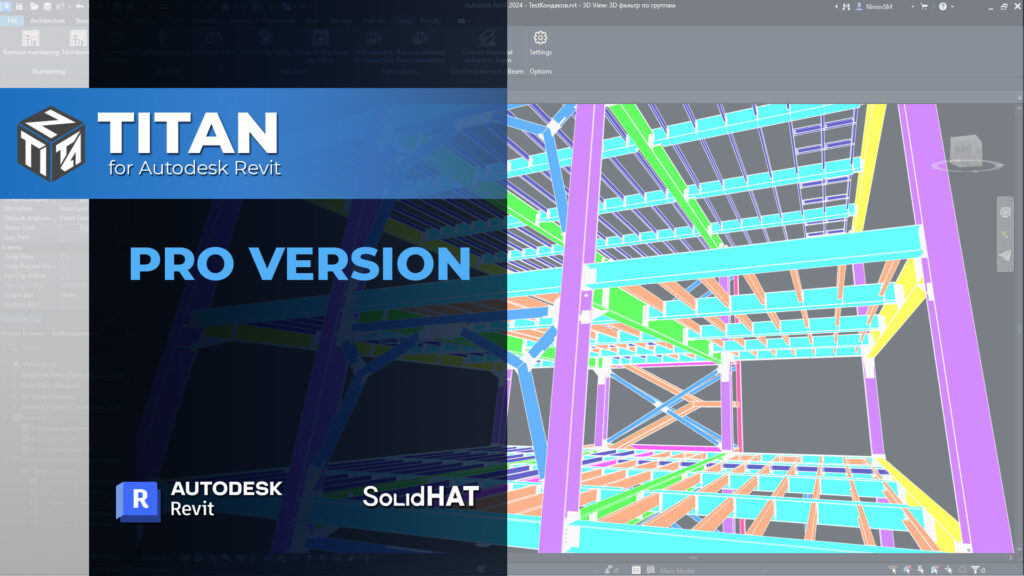
Why Choose TITAN for Revit?
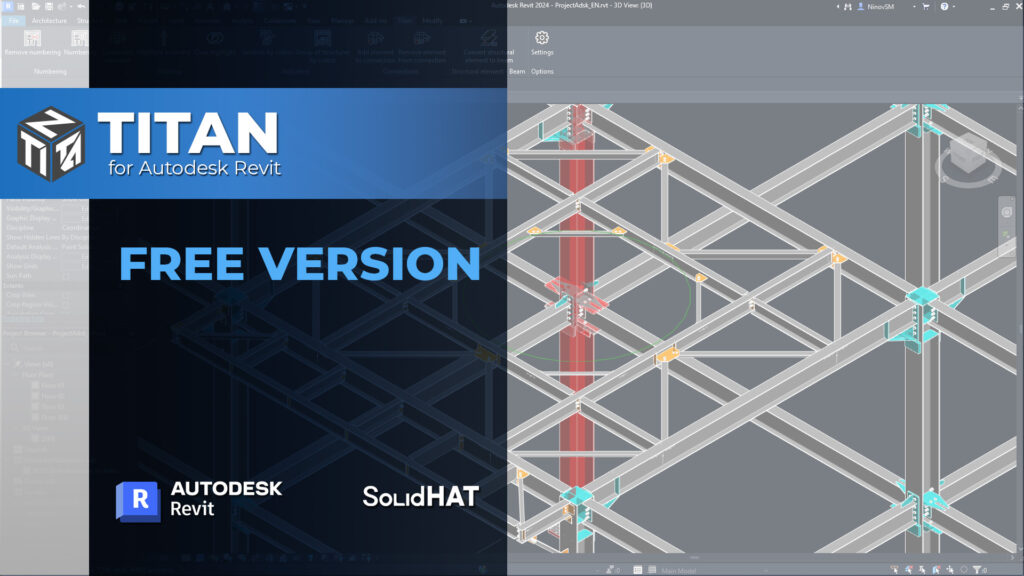
TITAN for Revit is a powerful and user-friendly plugin designed to simplify and enhance the steel structure design process in Autodesk Revit. It offers advanced tools that go beyond Revit’s standard functionality, such as automatic numbering of model elements, adding detailed parameters to steel components, and visualizing connections and grades. TITAN fills the gaps in Revit’s native steel design capabilities, allowing you to work faster, with more precision, and achieve greater detail in your models.
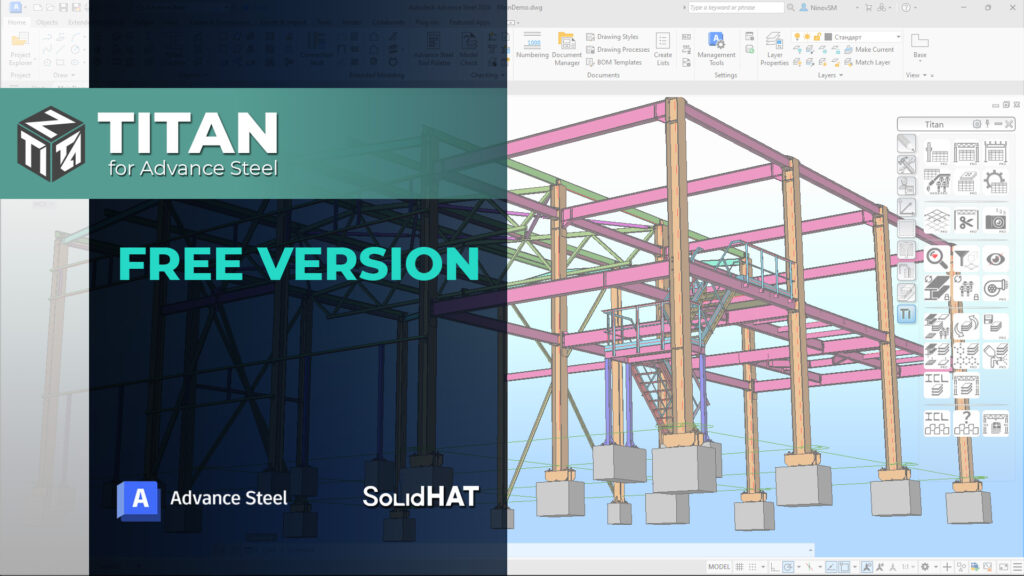
Top Benefits TITAN for Advance Steel
- Advanced Modeling Tools: Titan offers more powerful commands that allow you to create and manipulate models with greater efficiency.
- Smart Filters: Quickly select and visualize model elements, simplifying your workflow and saving time.
- Model Control Features: Indication tools enhance model parameter control, giving you greater confidence and precision.
- Unlocking Tools: Overcome Advance Steel’s limitations with tools that enable group edits of locked properties and elements.
- Comprehensive Schedules: Generate fast and functional BOMs and lists with additional information about model elements, such as welding lines and holes—details previously unavailable.
- Fabrication Tool: Automatically divide the model into assemblies, streamlining the production process.
Top Benefits TITAN for Revit
- Automatic Numbering: Efficiently assigns numbers to model elements, identifying components within assemblies and groups to streamline bill of materials (BOM) generation.
- Detailed Marking and Connections: Tools to highlight connected elements and assemblies, providing better control and visualization.
- Advanced Grouping and Indication: Automatically assigns elements to construction groups and color-codes sections and groups for easy analysis.
- Bolted and Welded Connection Editing: Modify connections by adding or removing elements, similar in Advance Steel.
- Improved Design Workflow: Titan’s unique tools significantly increase productivity by reducing the limitations of Revit when working with steel structures.
HOW TO GET STARTED
WITH TITAN TODAY?
Getting started with TITAN is straightforward. You can download and install our free version to explore the core functionality. We’ve made key features available for free because we believe they are essential for every user. For those looking for the full experience, you can upgrade to the professional version to unlock TITAN’s most advanced tools. The plugin is intuitive and easy to use, with video tutorials you through all its features.
WHAT ELSE?
As a member of the Autodesk Developer Network, we bring cutting-edge expertise, exclusive access to advanced tools, and tailored solutions to empower your projects with the latest innovations.
The plugin is just the beginning. We offer a wide range of services to help you achieve maximum efficiency and convenience in your work. You don’t have to go it alone — we’re here to assist you every step of the way!



BIM SUPPORT
We are ready to support you when using Autodesk BIM Products. By e-mails, voice IP, messengers. We are qualified engineers, too and are able understand you perfectly. more…

Advance Steel

Revit

Navisworks

BIM 360/ACC
REVIEWS
“Recently, we engaged SolidHAT to provide us with programming services, specifically to create a custom VB code for our business. We were very impressed with their work and the level of expertise they brought to the project. They were able to take our initial idea and turn it into a working solution. Throughout the process, SolidHAT was easy to communicate with and always responded promptly to our questions and concerns. They were also able to offer helpful guidance and suggestions that improved the final product. One of the standout features of SolidHAT’s services was their ability to provide support in a different time zone. This meant that they were able to work on our project overnight, allowing us to receive the completed work the following morning. This was extremely helpful for us as it allowed us to make progress on the project at a faster pace, and it also meant that we were able to avoid delays due to time differences. Overall, we were very satisfied with SolidHAT’s services and would highly recommend them to others. We would definitely engage SolidHAT again for any future programming needs.”
Murray Niebling
“Wir sind ein mittelständiges Schlosserunternehmen und Zeichnen für den Modulbau Fluchttreppen, Innentreppen, Geländer und Vordächer. Svetoslav Ninov hat uns Advance Steel vor Ort individuell nach unseren Wünschen programmiert. Nach wenigen Tagen und in enger Zusammenarbeit mit unserem technischen Zeichner, war sein Werk vollbracht. Nun können wir unsere Zeichnungen mit wenigen Klicks fertigstellen. Im Nachgang hat er per Fernwartung noch weitere Einstellungen vorgenommen und in unsere Software programmiert, auch dies hat einwandfrei funktioniert. Wir sind sehr zufrieden mit seiner Arbeit und können viel Zeit und Energie sparen.”
Alex Schmidt
“Svetoslav, ich möchte Ihnen für Ihre Hilfe beim Lernen von Advance Steel danken. Mit Ihrer Unterstützung habe ich es geschafft, das Programm in kürzester Zeit zu studieren und ein sehr komplexes Projekt durchzuführen. Vielen Dank!”
Yurii Yuzbash


BIM MODELING
Creation of models and design of drawings
for Advance Steel more…

Civil Buildings

Industrial Buildings

Bridges

Towers
for Revit

BIM models based on 2D drawings

BIM models based on point clouds

Connect BIM models with cost estimates or calendar planning

Search and elimination of collisions